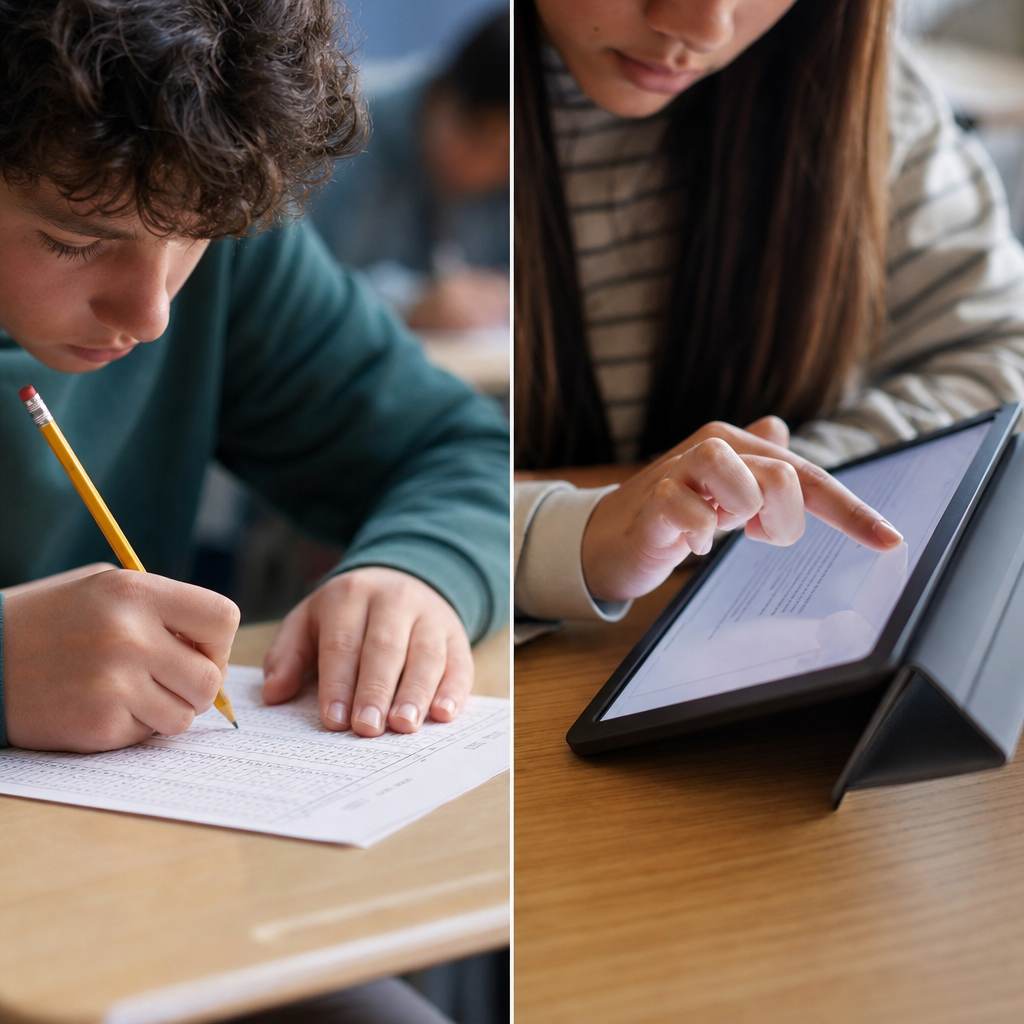
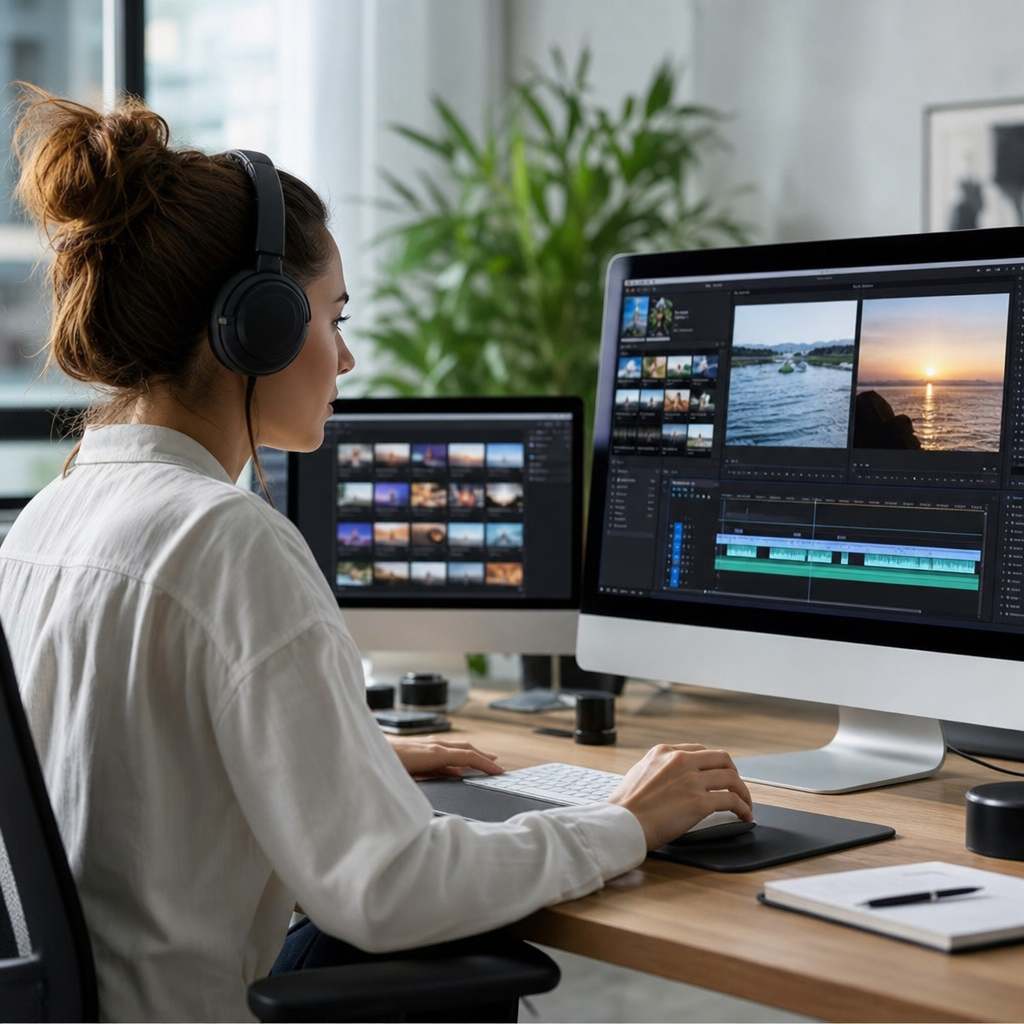
Using multimedia in assessment design means integrating text, audio, images, video, animation, simulation, or interactive media into tasks that measure learning. In assessment design and development, multimedia is not decoration; it is a format choice that affects validity, accessibility, scoring, security, and student performance. When educators discuss assessment formats, they are really deciding how evidence of learning will be elicited, captured, interpreted, and acted on. I have seen otherwise strong assessments fail because the format demanded technical fluency unrelated to the construct being measured, and I have also seen carefully chosen multimedia reveal understanding that a written test could not surface. That is why this topic matters at hub level: every later decision about rubrics, item writing, moderation, feedback, and platform configuration depends on the assessment format selected at the start.
Multimedia assessment can appear in both formative and summative contexts. A formative task might ask students to annotate an image, record a one-minute explanation, or respond to a branching case. A summative assessment might require a video demonstration, an audio oral exam, a data dashboard interpretation, or a portfolio combining several media types. Key terms matter here. The construct is the knowledge or skill being measured. The medium is the channel through which learners respond. Validity asks whether the task actually measures the intended construct. Reliability asks whether scoring is consistent. Accessibility ensures learners with disabilities can participate equitably, often guided by WCAG 2.2 and Universal Design for Learning principles. Authentic assessment refers to tasks that resemble real-world performance. Multimedia can strengthen authenticity, but only when its use is purposeful and aligned.
As a hub within assessment formats, this article maps the core decisions educators, instructional designers, and training teams must make before adopting multimedia. It covers where multimedia fits, which formats work best for different outcomes, how to avoid common design errors, what tools and standards support implementation, and how to judge whether a multimedia assessment is worth the added complexity. If you are planning scenario-based quizzes, oral assessments, presentations, e-portfolios, practical demonstrations, or interactive case studies, the principles here will help you select the right format and design it so the evidence you collect is usable, fair, and instructionally meaningful.
Why multimedia changes assessment format decisions
Multimedia changes assessment design because it expands the types of evidence learners can produce. Traditional selected-response items are efficient for checking recall, discrimination, and some forms of application. They are less effective for evaluating performance, communication, process, and context-dependent judgment. A video submission can show procedural competence. An audio response can reveal fluency, pronunciation, or reasoning under time pressure. An annotated diagram can capture spatial understanding. A simulation log can show decision sequences, not just final answers. In healthcare training, for example, a learner recording a sterile field setup demonstrates both sequence accuracy and professional technique. In language learning, an audio response captures intonation and pacing that a transcript misses.
The tradeoff is that richer evidence usually requires more careful design and more expensive scoring. Multimedia introduces construct-irrelevant variance if students are penalized for bandwidth, recording quality, unfamiliar interfaces, or inaccessible instructions. It also introduces operational questions: file formats, storage, moderation workflows, and academic integrity controls. In practice, the best multimedia assessments are selective rather than maximal. They use the least complex medium that still captures the target performance. If the goal is conceptual explanation, a short audio response may outperform a full video assignment because it reduces production demands while preserving evidence of reasoning.
Choosing the right assessment format for the learning outcome
The fastest way to improve assessment quality is to align the format with the intended outcome. If learners must identify, classify, or calculate, selected-response or short-answer may be sufficient. If they must explain, justify, critique, or interpret, multimedia can add value. If they must perform a skill, interact with a system, or make decisions in sequence, simulation or recorded demonstration is often superior. I typically begin by asking one blunt question: what observable evidence would convince a qualified reviewer that competence is present? The answer usually points toward the format.
Consider a cybersecurity course. For recognizing phishing indicators, image-based multiple-choice items may work well. For incident response, a branching scenario that reveals consequence chains is stronger. For presenting a risk briefing to executives, a recorded presentation with a slide deck is the right format because communication is part of the construct. In a science class, interpreting a graph may require only an image and short text response, while explaining a lab setup may benefit from video or a narrated screencast. Good assessment formats are not chosen because a platform offers them; they are chosen because the evidence they produce matches the performance standard.
| Learning outcome | Best-fit multimedia format | Why it works | Main caution |
|---|---|---|---|
| Pronunciation or oral fluency | Audio response | Captures pace, stress, and intelligibility | Need clear recording and transcription support |
| Procedural skill | Video demonstration | Shows sequence, technique, and compliance | Scoring rubrics must separate skill from production quality |
| Decision-making under constraints | Branching scenario or simulation | Reveals choices and consequences over time | Development time is high |
| Visual interpretation | Image annotation | Targets spatial or diagrammatic understanding | Accessibility alternatives are essential |
| Professional communication | Narrated presentation | Measures message structure and audience awareness | May disadvantage anxious presenters without support |
Common multimedia assessment formats and where they fit
Several assessment formats consistently perform well when designed with restraint. Audio responses are efficient for language courses, counseling practice, sales coaching, and leadership reflection. They are easier to upload than video and often faster to review. Video assessments are strongest when body positioning, physical manipulation, visual evidence, or audience presence matters. Screencasts work especially well in software training, coding explanations, and design critique because they combine narration with visible process. Interactive simulations are ideal where real-world practice is risky, expensive, or infrequent, such as aviation, nursing triage, industrial safety, and crisis management.
Image-based tasks include labeling, hotspot questions, drag-and-drop sequencing, and annotation. These fit anatomy, geography, engineering drawings, interface evaluation, and visual arts. Infographics can serve as performance tasks when synthesis and audience communication are being measured, though they require strict rubrics to prevent visual polish from overshadowing content accuracy. Digital portfolios are broader assessment formats that curate artifacts across time: essays, prototypes, videos, reflection logs, and peer feedback. They are particularly valuable in capstone modules because they reveal growth, revision, and transfer.
Not every format belongs in every program. Oral exams can be excellent for depth and authenticity, but they challenge standardization at scale. Simulations generate rich data, yet they are expensive to build and maintain. Video is powerful, but privacy and consent policies must be explicit, especially in K-12, healthcare, and workplace settings. The practical rule is simple: use multimedia where it uniquely improves evidence quality, not where it merely modernizes the appearance of the assessment.
Design principles that protect validity, reliability, and fairness
Multimedia assessments succeed when design discipline stays ahead of technical enthusiasm. The first principle is construct alignment. Define exactly what is being measured, then remove media demands unrelated to that target. If the objective is argument quality, do not let editing skill dominate the grade. The second principle is standardization. Provide the same instructions, time limits, prompts, exemplars, and submission specifications to all learners. The third is transparent scoring. Analytic rubrics work better than holistic impressions for most multimedia tasks because they isolate criteria such as accuracy, organization, technical execution, ethical practice, and audience adaptation.
Reliability improves when reviewers calibrate with anchor samples. In my own projects, a 20-minute norming session using three benchmark submissions often reduces scorer drift more than pages of written guidance. For higher-stakes tasks, double-marking a sample and checking inter-rater agreement is worth the effort. Fairness also depends on practice opportunities. If the summative task requires recording or annotation, students should complete a low-stakes rehearsal using the same tool. This lowers anxiety and exposes technical barriers early.
Accessibility is non-negotiable. Captions, transcripts, alt text, keyboard navigation, readable contrast, and flexible response options should be built in from the start. A learner may demonstrate competence through audio instead of video if visual presentation is not part of the construct. This is where Universal Design for Learning helps: offer multiple means of action and expression without weakening standards. The goal is equivalent evidence, not identical response modes.
Tools, platforms, and production standards that matter
Assessment technology should support pedagogy, not dictate it. In mainstream learning management systems such as Canvas, Moodle, Blackboard, and Brightspace, multimedia can be delivered through native media submission tools, integrated video platforms, quizzes with embedded media, and rubric-linked grading. For interactive video, tools like H5P, EdPuzzle, and Panopto enable checkpoints, prompts, and analytics. For e-portfolios, platforms such as Mahara, PebblePad, and Portfolium provide structured collection and reflection workflows. Simulation tools range from discipline-specific products to xAPI-enabled environments that capture detailed activity streams.
Standards matter because multimedia files can become unmanageable quickly. Set expectations for duration, resolution, file size, naming conventions, and allowed formats. MP4 with H.264 remains a practical default for video because of broad compatibility. WAV or high-bitrate MP3 often works for audio, though institutional storage policies may favor compressed formats. For tracking learner actions in simulations, xAPI offers more granularity than SCORM, especially when performance unfolds across systems. Security and privacy also belong here. If student work includes identifiable faces, voices, clients, patients, or workplaces, data retention and consent must be clearly governed. Cloud convenience does not remove compliance obligations.
Implementation mistakes to avoid and what better practice looks like
The most common mistake is adding multimedia without changing the assessment logic. Replacing a short essay with a video monologue does not automatically create a better assessment. It may simply add technical friction. Another frequent error is unclear prompts. Students need to know the audience, purpose, time limit, required evidence, citation expectations, and prohibited assistance. Vague instructions lead to unreliable scoring and unnecessary appeals. A third mistake is grading production value too heavily. Unless media production is part of the stated outcome, camera quality, transitions, and visual effects should carry little or no weight.
Underestimating reviewer workload is another predictable failure point. Five-minute videos across a cohort of 120 students create ten hours of raw viewing time before feedback and moderation. Better practice includes shorter submissions, structured templates, timestamped self-reflection, and checkpoint prompts that make evaluation faster. Academic integrity also needs format-specific planning. Oral defenses, process logs, version histories, random follow-up questions, and unique contextualized prompts are more effective than generic plagiarism checks for multimedia work. Finally, never launch a high-stakes multimedia assessment without piloting it. A small pilot reveals device issues, rubric gaps, ambiguous instructions, and support needs that are invisible during design meetings.
Building a coherent assessment formats hub within curriculum design
As a sub-pillar under assessment design and development, assessment formats should function as a decision framework rather than a list of tools. The hub should connect multimedia formats to adjacent topics such as rubric design, authentic assessment, feedback strategies, peer assessment, academic integrity, accessibility, and LMS implementation. That internal structure helps teams move from “Which tool should we use?” to “What evidence do we need, and which format captures it best?” In curriculum mapping, multimedia assessments work best when distributed intentionally across a program. Early modules can use low-stakes audio, annotation, or screencasts; later modules can escalate to simulations, portfolios, and defended presentations.
The central benefit of using multimedia in assessment design is better evidence. When format aligns with outcome, educators can measure not only what learners know, but how they explain, perform, decide, and communicate. The best multimedia assessment formats are purposeful, accessible, and manageable. They use clear prompts, calibrated rubrics, realistic technical standards, and privacy-aware workflows. They also acknowledge tradeoffs: richer evidence usually means more planning, support, and scorer time.
If you are developing an assessment formats strategy, start with one course or one unit. Identify the outcome that is least well measured by text alone, choose one multimedia format that directly matches it, pilot the task, and review the evidence quality. Then build outward across your assessment design and development process with confidence, consistency, and a clear standard for when multimedia truly earns its place.
Frequently Asked Questions
1. What does using multimedia in assessment design actually mean?
Using multimedia in assessment design means choosing formats such as text, audio, images, video, animation, simulations, or interactive media to elicit and evaluate evidence of learning. The key point is that multimedia is not just a visual upgrade or an engagement tactic. It changes how students encounter a task, how they respond, and how instructors interpret performance. For example, asking students to analyze a video case study is different from asking them to read a written scenario, even if the underlying concept being assessed is similar. The format shapes the cognitive demands of the task, including attention, interpretation, navigation, and response strategy.
In practice, multimedia-based assessment can appear in many forms. A language learner may record spoken responses instead of writing an essay. A nursing student may watch a patient interaction video and identify clinical errors. An engineering student may manipulate a simulation and explain the outcome. A history student may evaluate a set of images, maps, and audio clips as primary sources. In each case, the chosen media affects what kind of evidence is captured and whether that evidence aligns with the intended learning outcomes.
Strong assessment design starts with the question, “What should learners know or be able to do?” and then works backward to select the best format for demonstrating that knowledge or skill. If the goal is oral communication, audio or video may be more valid than written text. If the goal is visual interpretation, image-based tasks may be essential. If the goal is procedural decision-making, simulations may produce better evidence than multiple-choice questions. Multimedia becomes valuable when it improves authenticity, relevance, and measurement quality rather than simply making an assessment look modern.
2. How does multimedia affect the validity of an assessment?
Multimedia has a direct effect on validity because it can either improve or distort the connection between the task and the learning outcome being measured. Validity is about whether an assessment supports appropriate interpretations of student performance. If multimedia helps students demonstrate the target skill more accurately, it can strengthen validity. If it introduces irrelevant barriers or extra demands unrelated to the learning objective, it can weaken validity. That is why format choice should never be treated as neutral.
Consider a science assessment intended to measure data interpretation. An interactive graph or simulation may improve validity because it mirrors how scientists actually work with dynamic information. On the other hand, if students struggle mainly because the interface is confusing or the video loads poorly, the assessment may begin measuring digital navigation skills or technical patience rather than scientific understanding. Similarly, if an image-heavy task is used in a context where visual interpretation is not part of the target construct, the format may introduce construct-irrelevant variance. Students may perform differently because of the medium, not because of what they know.
To protect validity, assessment designers should be explicit about what the multimedia element is supposed to contribute. Ask whether the medium is essential to the skill being assessed, whether all students can reasonably access and interpret it, and whether scoring criteria focus on the intended construct. Pilot testing is especially important. It helps reveal whether performance differences are due to learning or due to issues such as pacing, media quality, language load, interface complexity, or unclear instructions. When multimedia is chosen purposefully and evaluated carefully, it can create assessments that are more authentic and more defensible.
3. What accessibility issues should educators consider when designing multimedia assessments?
Accessibility should be built into multimedia assessment from the beginning, not added as an afterthought. Every media choice creates potential barriers for some learners, including students with visual, auditory, motor, cognitive, language, or processing differences. An assessment that depends on audio without captions, video without transcripts, images without alternative text, or drag-and-drop interactions without keyboard support can prevent students from showing what they know. In those cases, the assessment may be unfair because performance reflects barriers in the design rather than actual learning.
Good accessibility practice starts with multiple layers of support. Videos should include accurate captions and, when appropriate, transcripts. Audio tasks should be paired with clear playback controls and compatible delivery platforms. Images should have meaningful alternative text when the visual detail is not itself the exclusive target of assessment. Interactive tasks should be usable with keyboards and screen readers where possible. Time limits should be reviewed carefully, since multimedia often increases processing demands. Instructions should be plain, specific, and available in formats that reduce unnecessary cognitive load.
Equally important is deciding when equivalent alternatives are appropriate and when the medium itself is part of the construct. If the goal is listening comprehension, replacing audio with text may change the skill being assessed. But if the goal is understanding a concept, providing alternate access may be entirely appropriate. This distinction matters. Accessible design does not always mean identical experience; it means fair opportunity to demonstrate learning in relation to the intended outcome. Educators should also review institutional accessibility policies, relevant legal requirements, and universal design principles to ensure multimedia assessments are inclusive, usable, and academically sound.
4. How can multimedia assessments be scored reliably and fairly?
Reliable and fair scoring depends on clarity, consistency, and alignment between the task and the evaluation criteria. Multimedia responses often generate richer evidence than traditional selected-response items, but they also make scoring more complex. A recorded presentation, video demonstration, or simulation-based task may show nuance that is valuable instructionally, yet difficult to judge consistently without a well-designed rubric. If scorers focus on presentation polish, production quality, or editing skill when those elements are not part of the intended learning outcome, scores can become distorted.
The best approach is to define in advance exactly what counts as evidence of mastery. Rubrics should separate content knowledge, reasoning, communication, technical execution, and media quality when relevant. For instance, if students submit a video explanation of a mathematical concept, the rubric should clarify whether visual design and editing matter or whether only conceptual accuracy and explanation quality are being scored. Anchor examples, scorer training, and moderation sessions can improve consistency across raters. When possible, low-inference criteria should be used so that judgments are based on observable features rather than vague impressions.
Educators should also think carefully about the role of automation. Some multimedia assessments can include auto-scored components, such as embedded quiz items or simulation outcomes, but automated scoring should be validated before being used for high-stakes decisions. Not everything meaningful in a multimedia performance can be reduced to simple metrics. Fairness improves when students know the criteria in advance, have access to practice opportunities, and are not penalized for irrelevant technical limitations. Ultimately, reliable scoring comes from designing tasks that produce interpretable evidence and applying evaluation methods that match the complexity of that evidence.
5. What are the biggest design mistakes to avoid when integrating multimedia into assessments?
One of the most common mistakes is using multimedia because it seems engaging rather than because it serves a clear assessment purpose. When media is added for novelty, tasks can become harder without becoming better. Students may spend energy navigating animations, locating information in a video, or interpreting decorative visuals that do not contribute to the learning goal. This increases cognitive load and can reduce the accuracy of the assessment. If a simpler format would capture the same evidence more cleanly, then the multimedia element may be unnecessary.
Another major mistake is failing to align the medium, task, and scoring approach. A sophisticated simulation may look impressive, but if it does not produce observable evidence tied to the intended outcomes, it will be difficult to interpret results meaningfully. Likewise, asking students to create polished multimedia products without considering access to tools, time, bandwidth, or prior technical skill can create inequities. In these cases, the assessment may unintentionally reward digital production ability more than subject mastery. Poor instructions, inaccessible platforms, weak file submission processes, and lack of piloting are also recurring design problems.
Security and academic integrity can be overlooked as well. Multimedia tasks may require attention to identity verification, authorship, reuse of online content, and secure storage of student recordings or artifacts. Designers should establish expectations for original work, permitted support tools, and privacy protections. The most effective way to avoid these mistakes is to treat multimedia as an evidence-design decision. Start with the learning outcome, choose media only when it improves authenticity or measurement, test the task under realistic conditions, and revise based on student performance data and usability feedback. That process leads to assessments that are more valid, accessible, manageable, and instructionally useful.